Configuring SNMP
Provides information on how to configure Simple Network Management Protocol (SNMP) on your FreeCORE.
SNMP (Simple Network Management Protocol) monitors network-attached devices for conditions that warrant administrative attention. FreeCORE uses Net-SNMP to provide SNMP. To configure SNMP, go to the Services page, find the SNMP entry, and click the Configure.
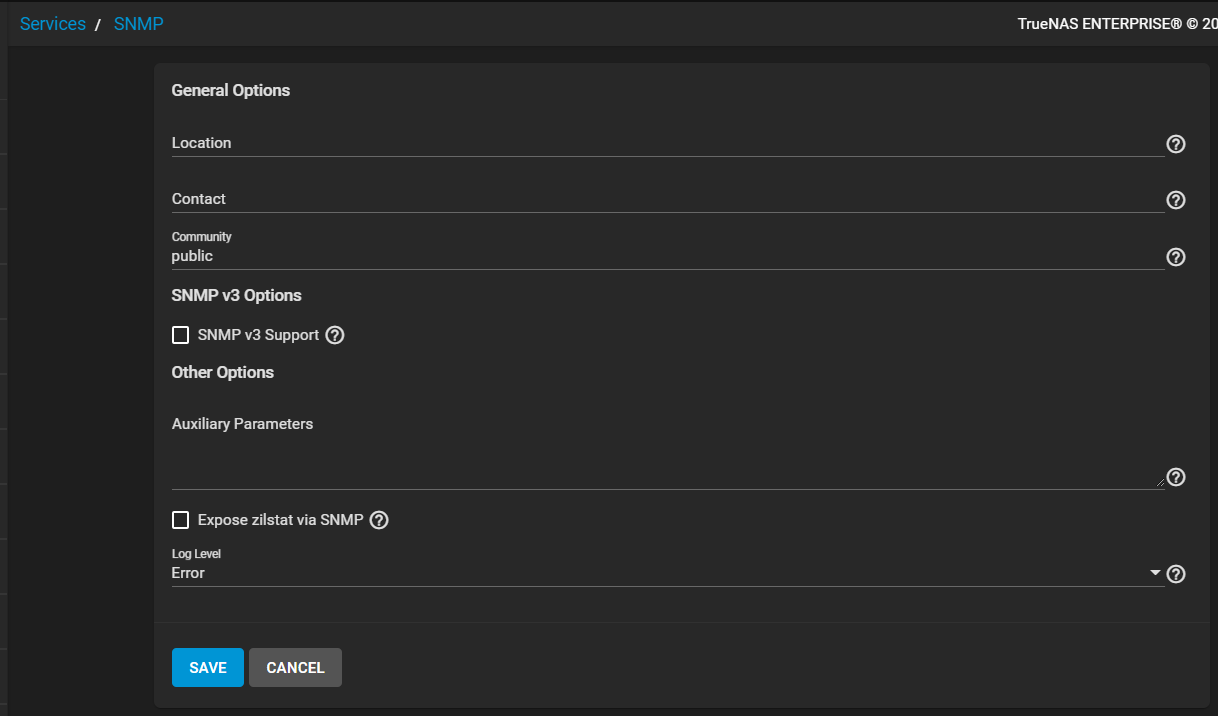
See SNMP screen for information on settings.
After starting the SNMP service, port UDP 161 listens for SNMP requests.
Checking the Management Information Bases (MIBs) Directory
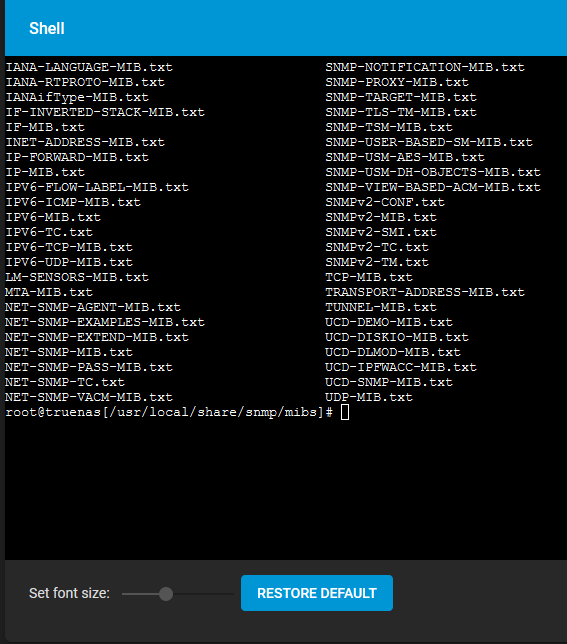
Locate available Management Information Bases (MIBs). Go to /usr/local/share/snmp/mibs. This directory contains many files routinely added or removed from the directory. Check the directory on your system. Open the shell and enter command ls /usr/local/share/snmp/mibs.
Here is a sample of the directory contents: