Configuring LLDP
Provides information on how to configure Link Layer Discovery Protocol (LLDP) on your FreeCORE.
Network devices use the Link Layer Discovery Protocol (LLDP) to advertise their identity, capabilities, and neighbors on an Ethernet network. FreeCORE uses the ladvd LLDP implementation. LLDP service is often used in a local network environment with managed switches. Configuring and starting the LLDP service allows the FreeCORE system to advertise itself on the network.
To configure LLDP, go to the Services page, find the LLDP entry, and click the Configure icon.
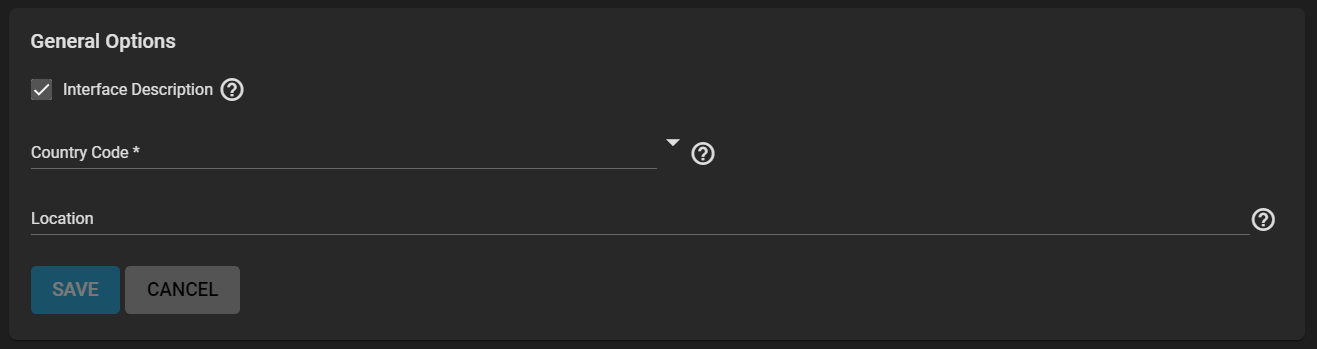
Select Interface Description and enter a Country Code. The location of the system is optional.
Click SAVE to save the current selections and return to the Services screen.
Click the toggle on the Services screen to turn the LLDP service on. The toggle turns blue when it is running.