Using Task Manager
Use the Task Manager screen to display a list of tasks performed by your FreeCORE and to view logs related to system tasks.
The Task Manager displays a list of tasks performed by the FreeCORE system. It starts with the most recent task.
Click the to open the Task Manager.
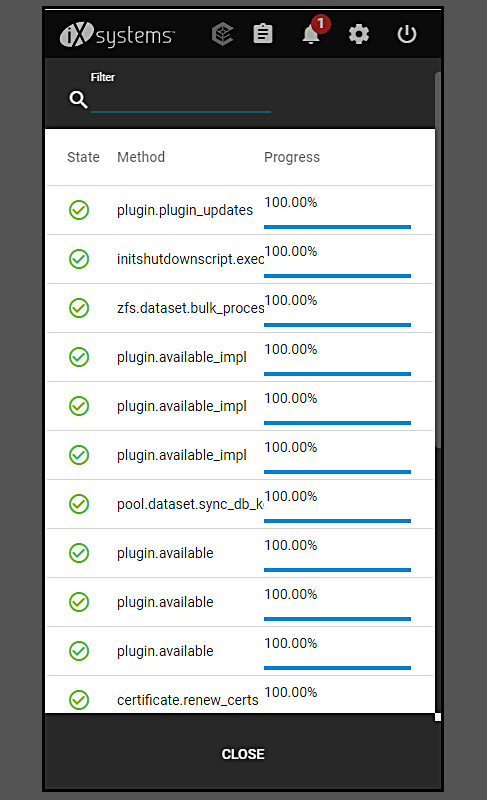
Click a task name to display its start time, finish time, and whether the task succeeded. If a task fails, the error status shows.
Tasks with log file output have a View Logs button to show the log files.
Click CLOSE or anywhere outside the Task Manager dialog to close it, or press Esc.