Creating Scrub Tasks
Describes how to create scrub tasks on FreeCORE.
A "scrub" is when ZFS scans the data on a pool. Scrubs identify data integrity problems, detect silent data corruptions caused by transient hardware issues, and provide early disk failure alerts.
Edit Default Scrub Tasks
By default, FreeCORE creates a scrub task when you create a new pool. The default schedule for a scrub is to run every Sunday at 12:00 AM. To edit the default scrub, go to Tasks > Scrub Tasks, click , and EDIT.
Create New Scrub Tasks
To create a scrub task for a pool, go to Tasks > Scrub Tasks and click ADD.
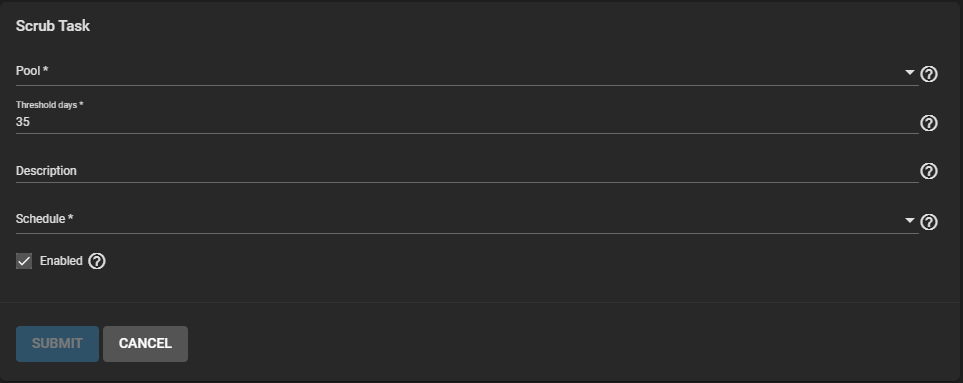
Select a Pool, enter the Threshold (in days), and give the scrub a description. Assign a Schedule and click SUBMIT.