Managing Jails
Describes how to manage Jails in FreeCORE.
The Jails screen lists the jails configured on the system.
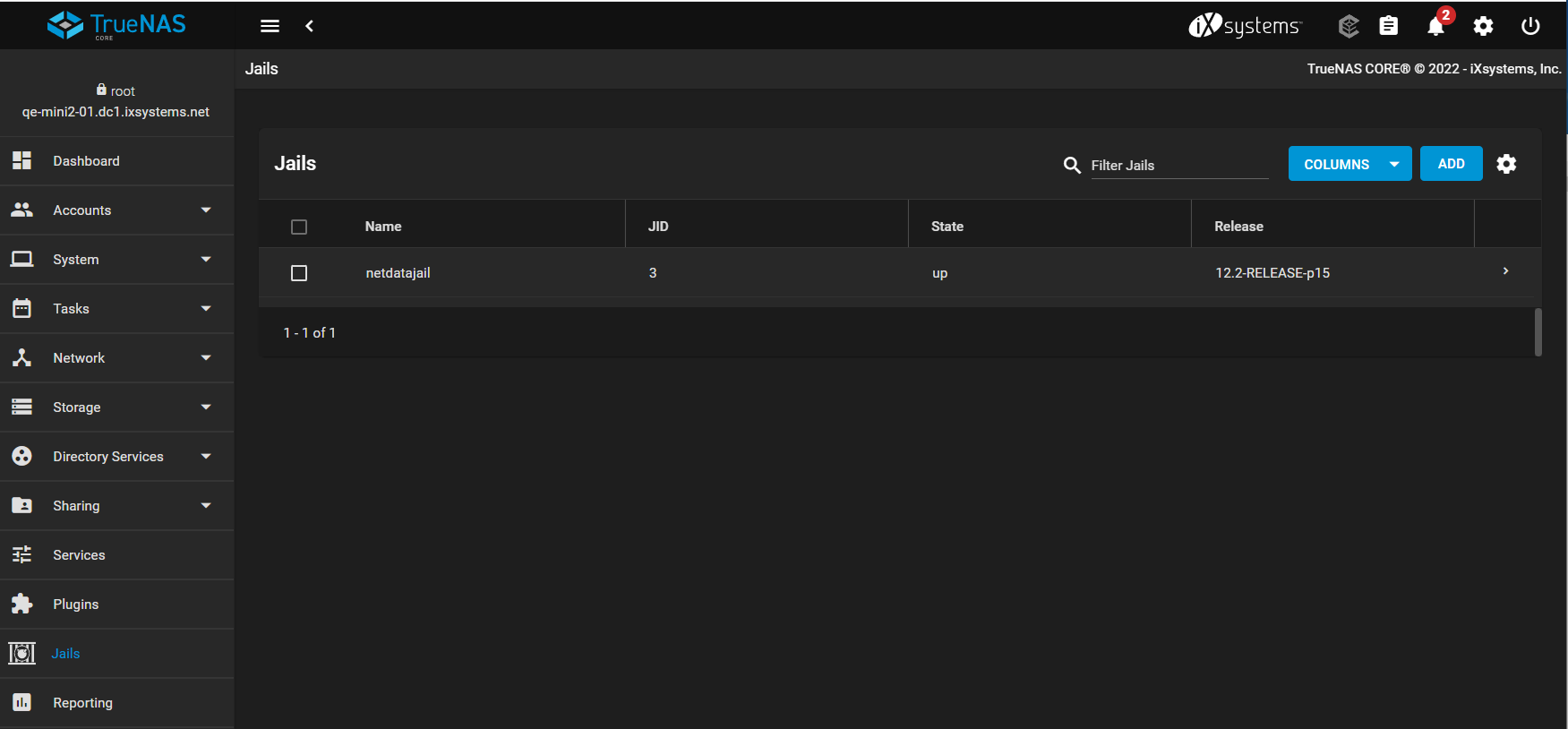
Use Columns to show details such as release, addresses, type, template state, and whether the jail starts at boot. The Settings icon selects the pool used for jail storage.
Jail Actions
Expand a jail row to see actions available for its current state:
- Start, Stop, and Restart control the jail.
- Edit changes jail properties. Stop the jail before changing settings that are read-only while it runs.
- Mount Points manages storage exposed from the host.
- Update applies the newest patch level for the installed FreeBSD release.
- Shell opens a root console inside a running jail.
- Delete removes the jail and its contents.
Select multiple rows to start, stop, update, or delete several jails in one operation. Review the selected names carefully before a bulk operation.
Deleting a jail removes its internal data and associated jail snapshots. Data in a separately managed source dataset remains only when it is exposed through a mount point rather than stored inside the jail.
Change Jail Networking
Change a jail's address and network properties with Jails > Expand > Edit. Editing the managed properties keeps the configuration across jail and system restarts; commands run only inside the jail do not replace that configuration.
Jail job output and status messages are recorded in /var/log/iocage.log.