Update
Describes the fields in the Update screen in FreeCORE.
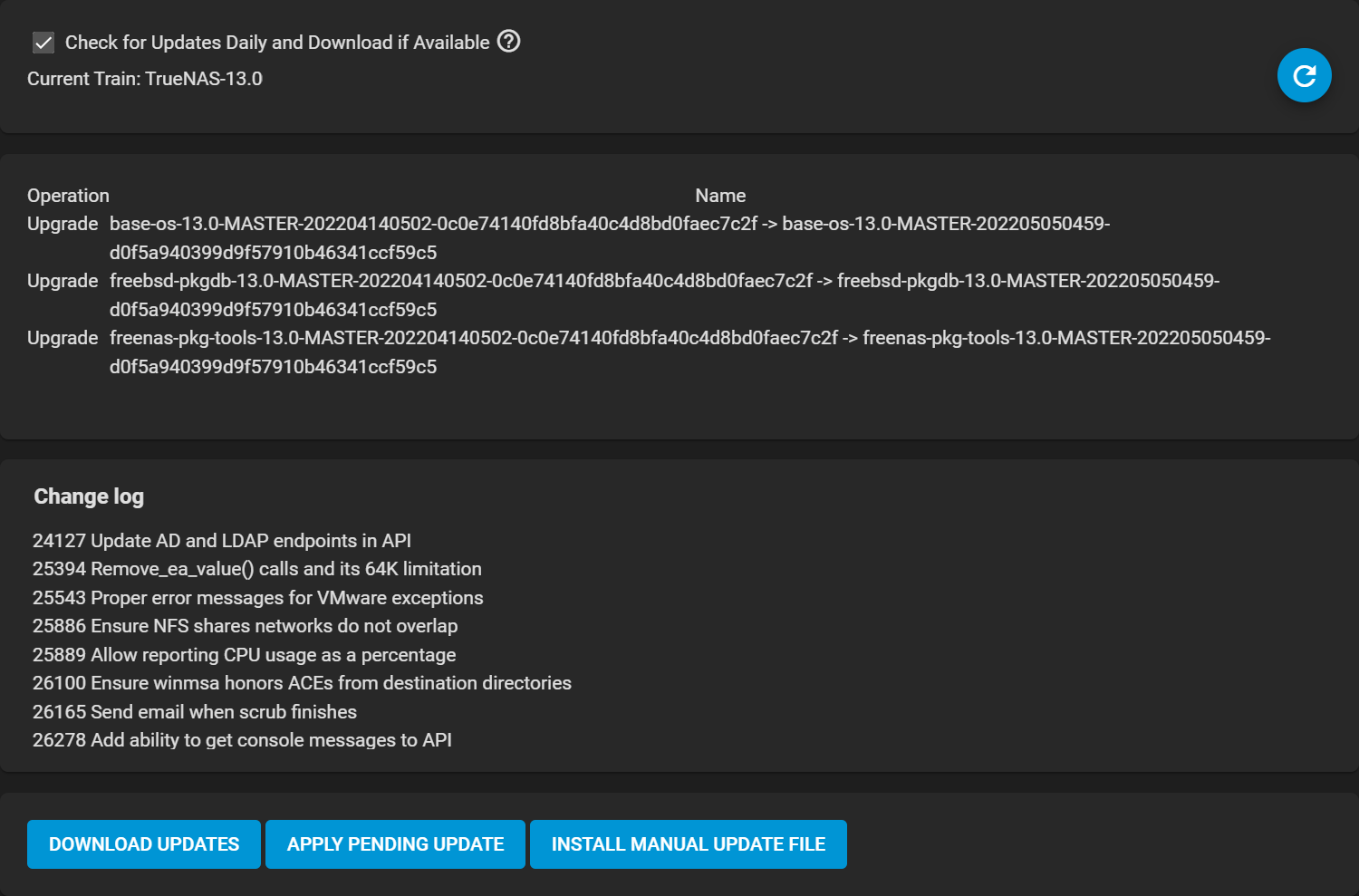
| Name | Description |
|---|---|
| Check for Updates Daily and Download if Available | Check the update server daily for any updates on the chosen train. Automatically download an update if one is available. Click APPLY PENDING UPDATE to install the downloaded update. |
| Refresh (Refresh) | Check for updates. |
| Operation | Lists operations FreeCORE performs during the update. |
| Name | Operation name and version comparison. |
| Change log | Lists software changes. Release notes are published at docs.freecore.org/releases. |