Alert Settings
Describes the Alert Settings screen on FreeCORE.
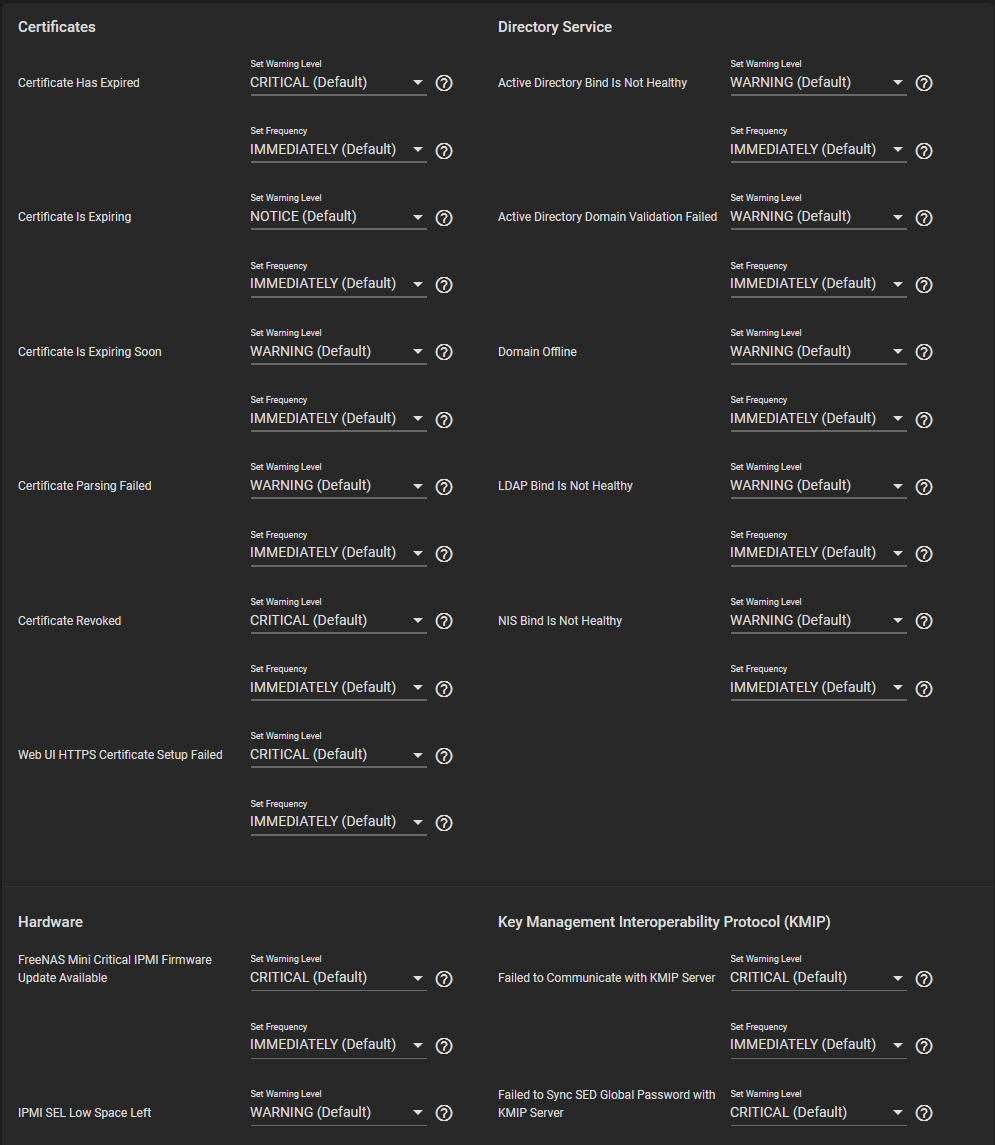
Options
| Name | Description |
|---|---|
| Set Warning Level | Customizes the importance of the alert. Each level of importance has a different icon and color to express the level of importance: Info, Notice, Warning, Error, Critical (Default), Alert, and Emergency. |
| Set Frequency | Adjust how often alert notifications are sent. Setting the Frequency to NEVER prevents that alert from being added to alert notifications, but the alert can still show in the web interface if it is triggered. Options: Immediately (Default), Hourly, Daily, and Never. |
Alert Warning Levels
| Level | Icon | Alert Notification? |
|---|---|---|
| 1 INFO |


